Minipupper v2 Installation Guide
Start here for courses.
Get Minipupper V2 image
Download Minipupper V2 image ubuntu 22.04 Download Page.
Download Minipupper V2 image ubuntu 24.04 Download Page.
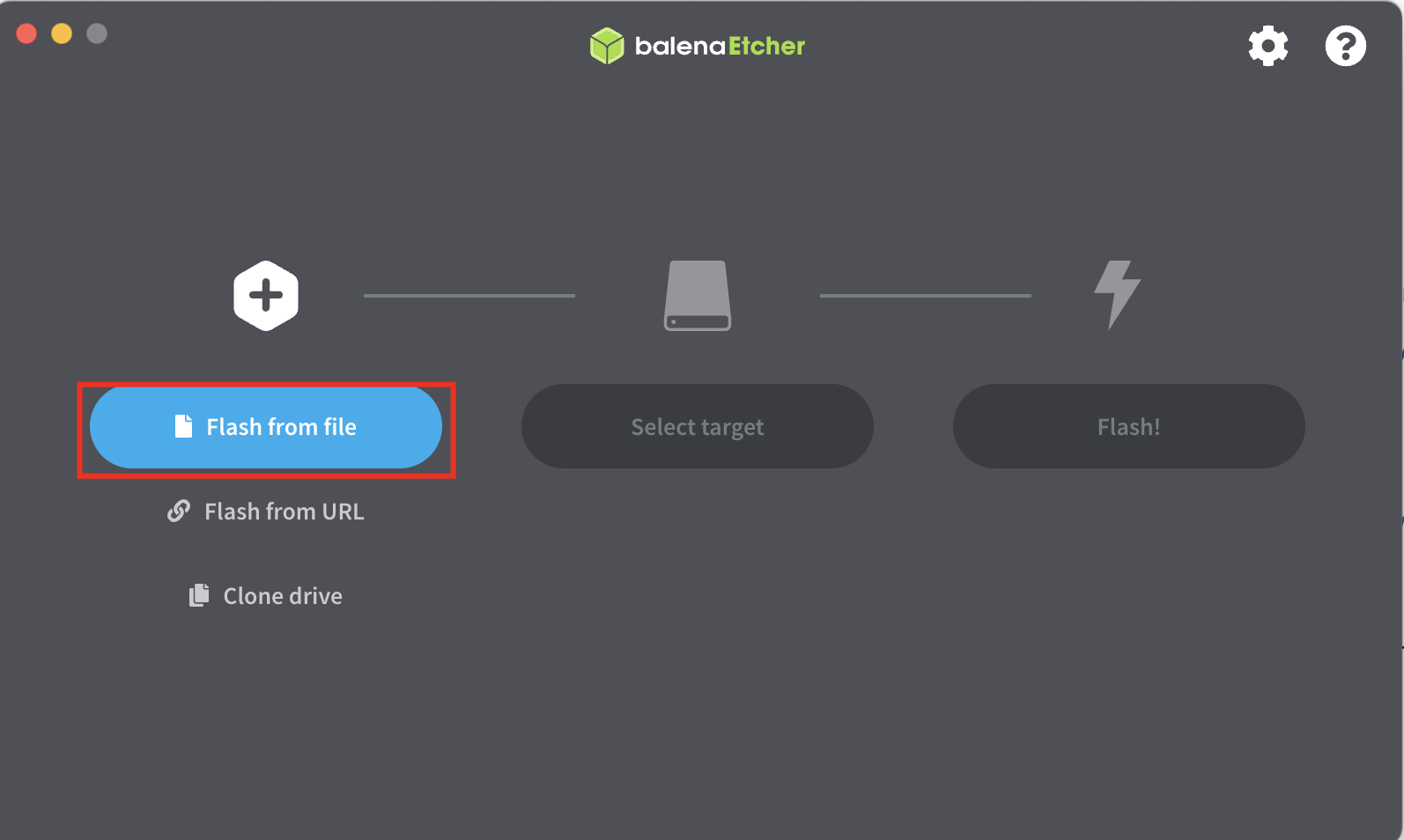
Download and install Balena Etcher
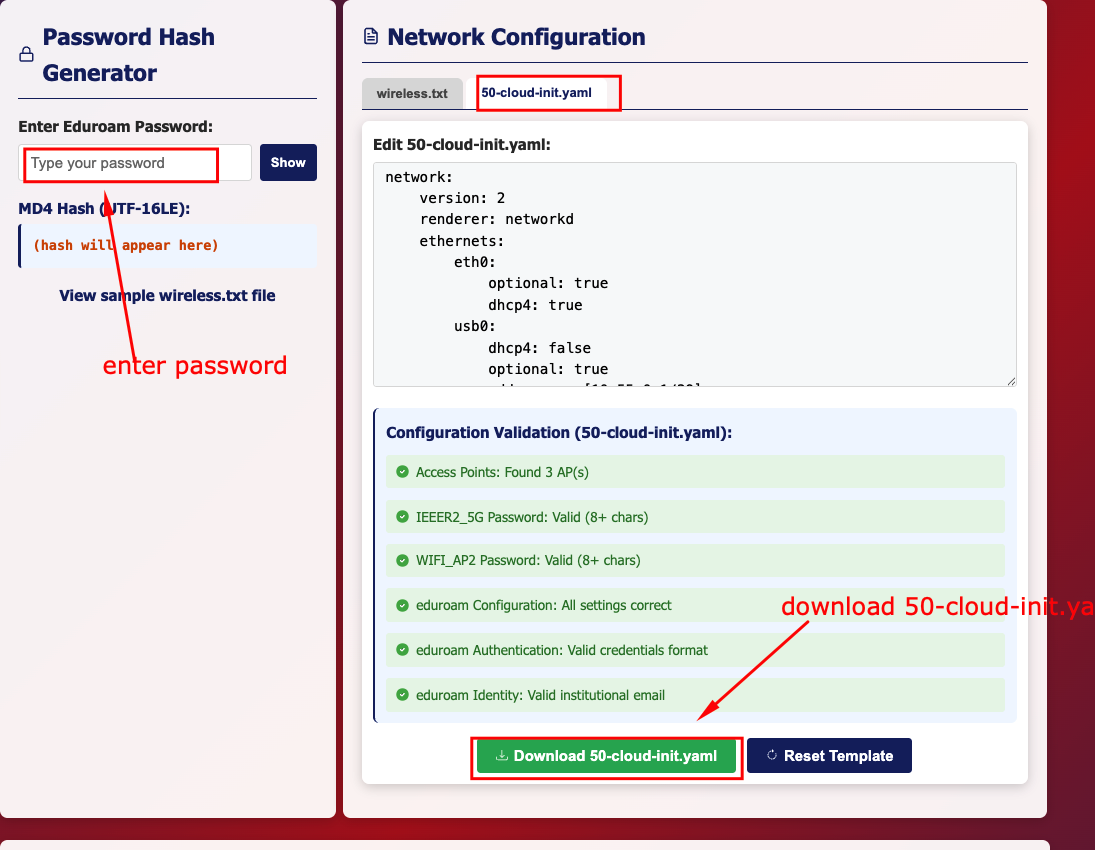
Create a login credential on this link (please right-click and open in a new tab), then download 50-cloud-init.yaml after you add your WiFi credentials.
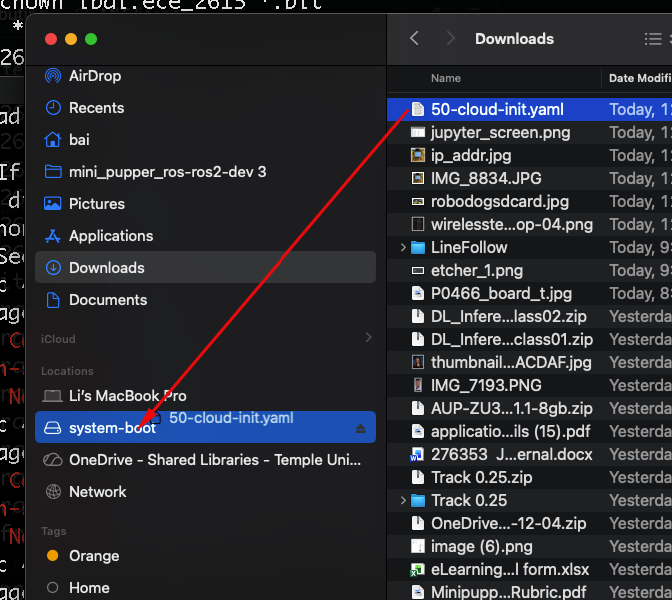
copy the file to the microSD Card drive
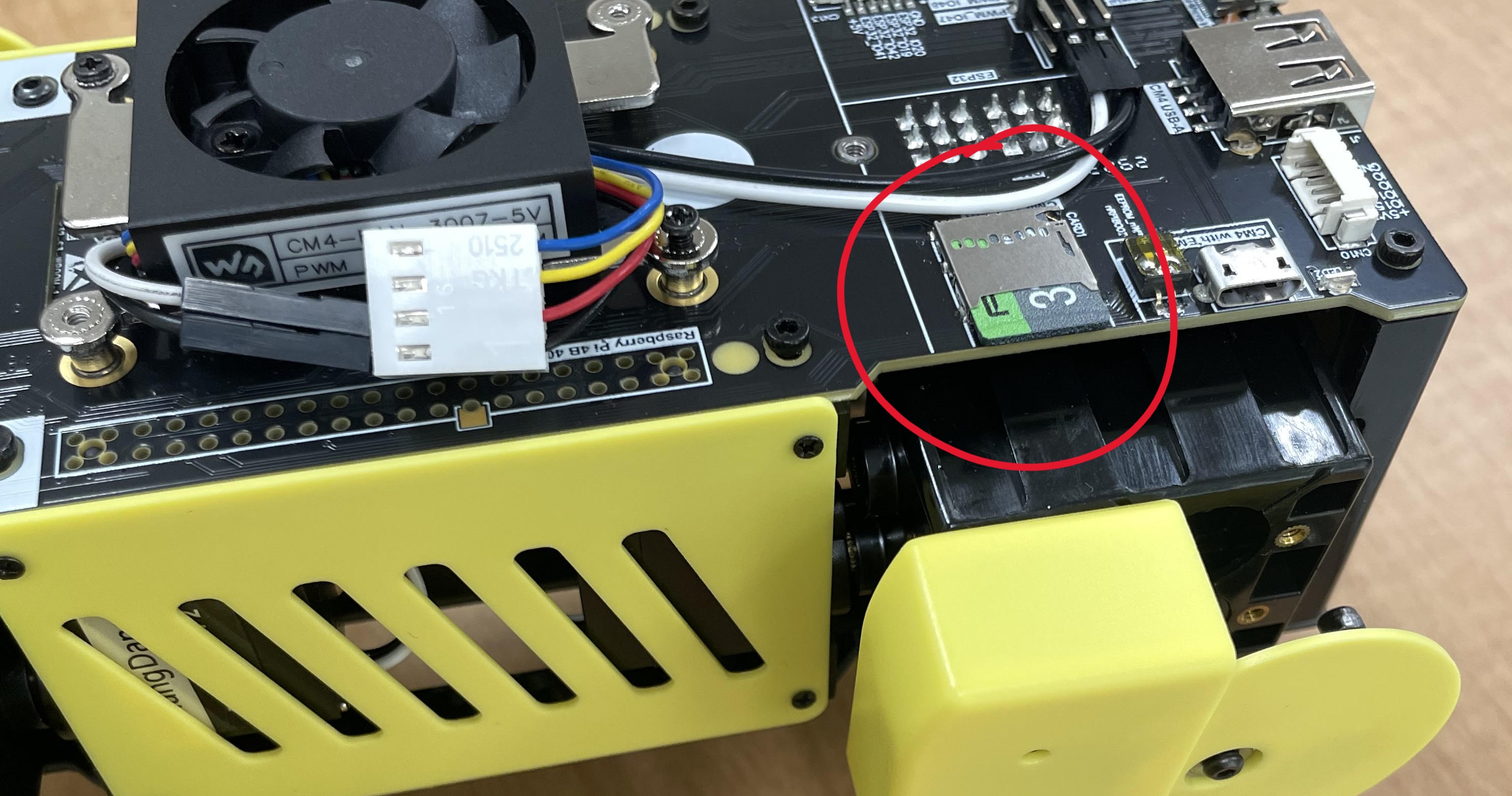
Eject the microSD card, and out it in the robot dog sd card slot
Power the robot dog until you hear the robot makes a sound, then unplug power and replug in again. You should be able to see the IP address on the robot dog
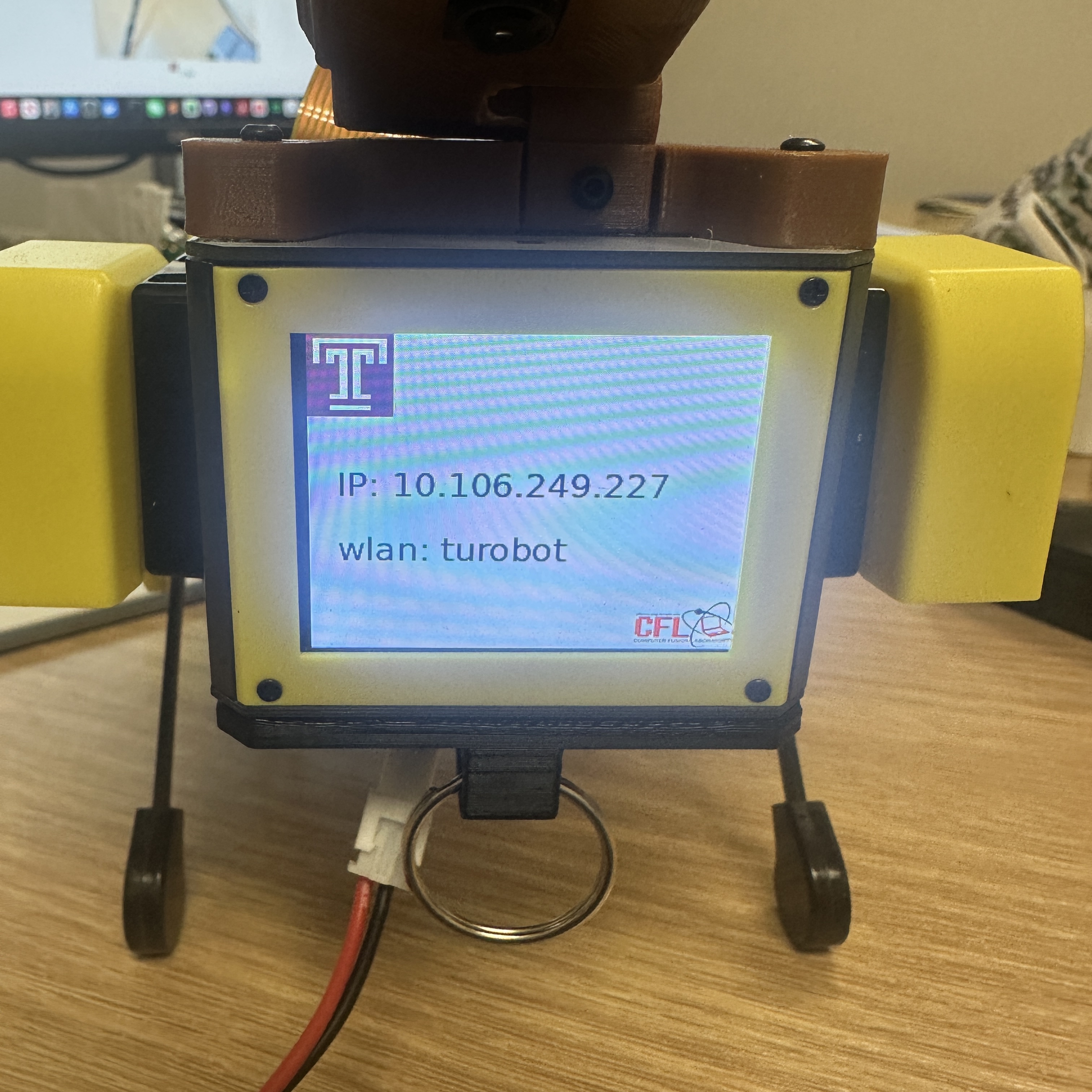
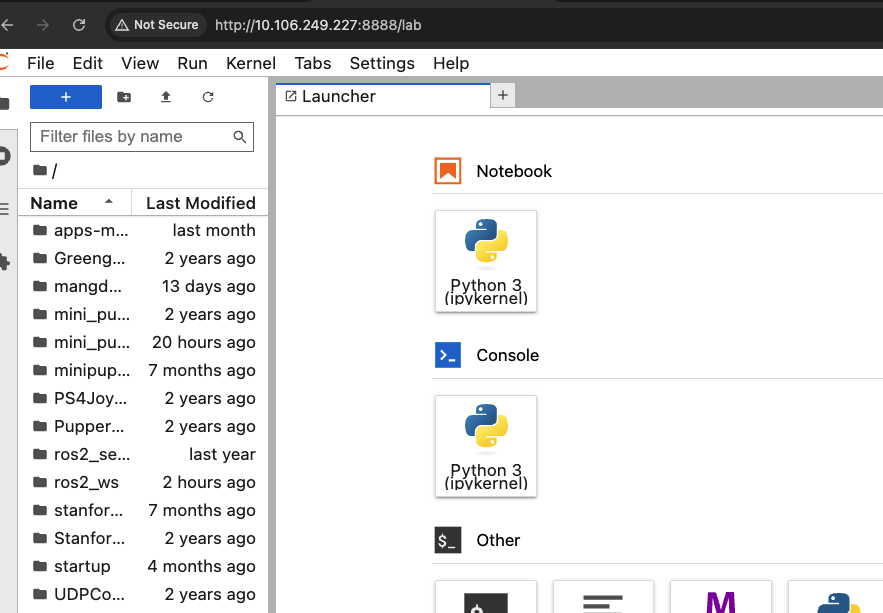
Open a browser, type http://[ip_address]:8888 (e.g. http://10.106.249.227:8888), password: mangdang to login the minipupper